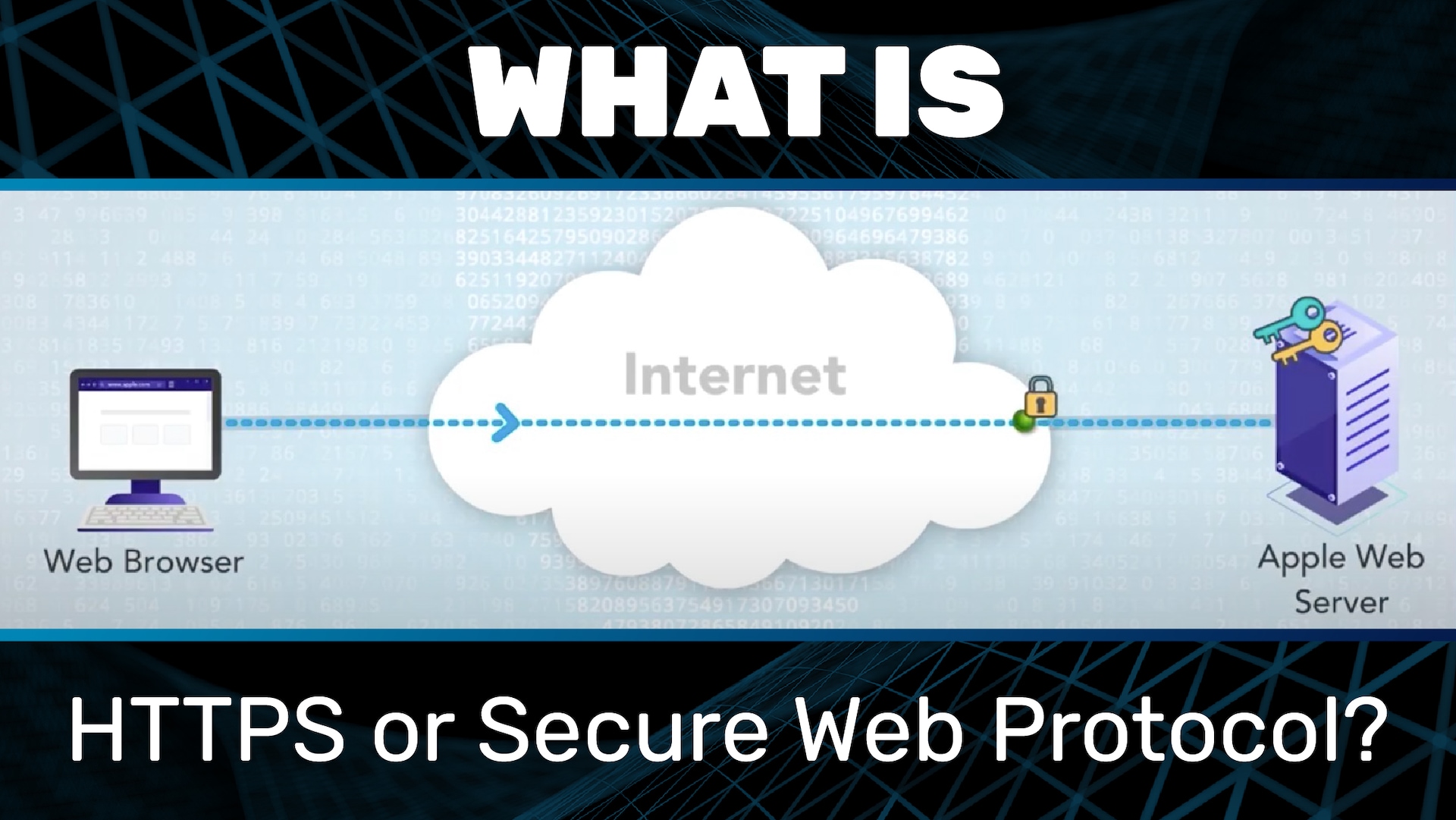
What is HTTPS or secure web protocol?
A secure website has become an important signal of trust to internet users. Seeing a lock symbol in the browser address bar offers people using websites a degree of assurance that the website is legitimate and safe.
The internet is based on protocols, including the Hypertext Transfer Protocol (HTTP). An S in the HTTP of a website URL, i.e., HTTPS, denotes that the site uses the secure version of HTTP, i.e., S for Secure. HTTPS (Hypertext Transfer Protocol Secure) was originally used to protect online logins and ensure that online banking and shopping transactions were secure. However, in 2014, Google upped the stakes for HTTPS by using HTTPS as a ranking signal. The effect on the uptake of HTTPS was dramatic, and today over 80% of all websites use HTTPS.
What’s the difference between HTTP and HTTPS?
HTTPS and the related security protocol, SSL (Secure Sockets Layer), were released by Netscape in 1994 to protect the Netscape browser.
HTTPS connections facilitate two critical functions to help establish trust and create secure connections on the internet:
- Website authentication: This authenticates a website so that the user knows the site has been checked for legitimacy; e.g., apple.com is the website of the company Apple Inc.
- Data encryption: HTTPS websites use the Transport Layer Security (TLS) protocol (the successor of SSL) to encrypt web traffic, protecting sensitive information between a client (e.g., web browser) and web server. For example, if you buy something online and send your credit card data to make the purchase, if the site is HTTPS, that data will be sent in encrypted form, rather than plain text to the web server.
How does HTTPS work?
HTTPS is based on a technology called public key infrastructure (PKI). PKI relies on public key cryptography and a digital signature. A “key pair” is created by the website owner, and the public key is sent to a trusted authority known as a “certificate authority” (CA). This authority signs the public key, which produces a document known as a digital certificate. The website now holds a private key and an SSL certificate, which holds the public key. The public key verifies anything signed by the private key. The digital certificate provides a chain of trust and validation that the website is authentic. HTTPS works alongside a security protocol (SSL/TLS) to encrypt and decrypt communications and sensitive data between the web browser and web server.
The steps in an HTTPS request-response flow
The request-response flow of the HTTPS protocol begins in the same way as HTTP. However, an interim step, step 1.5, is used to differentiate the two flows:
Step 1: Navigation and initiation
The user types a web address into a browser or clicks on a link in an email or other communication. The address contains a Uniform Resource Locator (URL), which contains HTTP to inform the browser to use HTTP to fetch the document representing the URL.
Step 1.5: The cryptographic dance
Step 1.5 involves the browser and web server performing a “cryptographic dance.” This involves the exchange of encrypted messages. The steps require that complex cryptographic functions are performed using the TLS protocol, using the web server’s public-private key pair generated via the certificate authority (CA). This step authenticates the website and creates two new keys (session keys) — one for the client and one for the server. These session keys are used to encrypt and decrypt the messages.
Step 2: Client sends HTTP request message to server
Step 2 is the same as the HTTP step 2 request-response flow. The client, e.g., the browser, constructs a request message that is directed to the web server. The message includes additional information about the request, such as who the requesting entity is. However, unlike HTTP, after writing the request message and before the browser can send the message, the HTTP(S) request must use the session key to encrypt the message.
Step 3: Web server sends the HTTPS response back to the client
Once a request is received, the web server uses its session key to decrypt and read the message. The web server then constructs a response message, which encrypts using the session key before sending it back to the browser.
Step 4: Message rendered by the browser
On receiving the encrypted message, the browser uses its session key to decrypt and then read the message. The final part of this step is the browser rendering the response message and displaying the web page in the browser.
Why is it important to use HTTPS?
Without HTTPS, internet users and data exchanged online between clients (e.g., browsers) and a web server are at risk from the following:
Interception attacks: HTTPS uses the TLS protocol to encrypt communications. Even if attackers intercept the communication, they cannot decrypt and steal the data.
Credential theft: Credential theft is behind 54% of security incidents, according to a report from Ponemon. If a website has HTTPS implemented correctly, any data submitted via that website — for example, login credentials — will be secure, as it is encrypted.
Decreased trust: Websites that signal they are HTTPS have been issued a digital certificate by a trusted CA. The CA performs due diligence checks on the company during the certificate issuance. However, caution should still be used, as according to statistics from the Anti-Phishing Working Group (APWG), 83% of phishing sites use HTTPS.
Frequently Asked Questions (FAQ)
Why customers choose Akamai
Akamai is the cybersecurity and cloud computing company that powers and protects business online. Our market-leading security solutions, superior threat intelligence, and global operations team provide defense in depth to safeguard enterprise data and applications everywhere. Akamai’s full-stack cloud computing solutions deliver performance and affordability on the world’s most distributed platform. Global enterprises trust Akamai to provide the industry-leading reliability, scale, and expertise they need to grow their business with confidence.