

Or Eshed
Or Eshed is the former Co-Founder & CEO of Interaction Security platform LayerX (now part of Akamai), with over a decade of experience in cybersecurity, artificial intelligence, and information warfare.
Akamai acquired LayerX. This previously published blog post reflects the product and feature names on the original date of publication.
Chrome extensions are small software programs that can be added to the Google Chrome web browser to enhance its functionality and customize their browsing experience. They are typically developed by third-party developers and can be found in the Chrome Web Store. But while Chrome extensions offer numerous benefits, they can also pose potential vulnerabilities to users.
One of the main concerns with Chrome extensions is their security. Extensions have access to a user’s browsing activity and data. Therefore, malicious actors can develop malicious browser extensions and encourage users to add them, and then exploit the extensions to gather sensitive information or perform unauthorized actions. These malicious browser extensions can be used for phishing, injecting malicious code, and more, which compromise browser security.
In this blog post, we dive further into the topic of malicious use of browser extensions. We also provide a list of malicious browser extensions to look out for and explain how to protect against them.
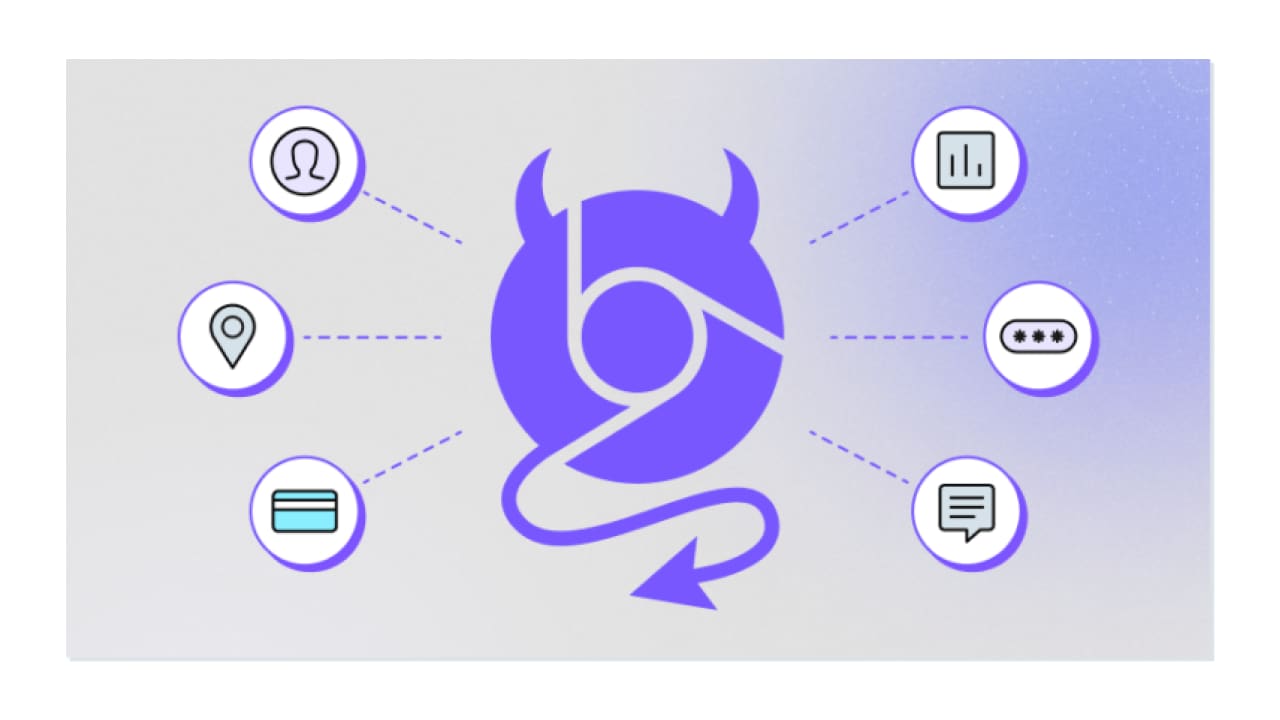
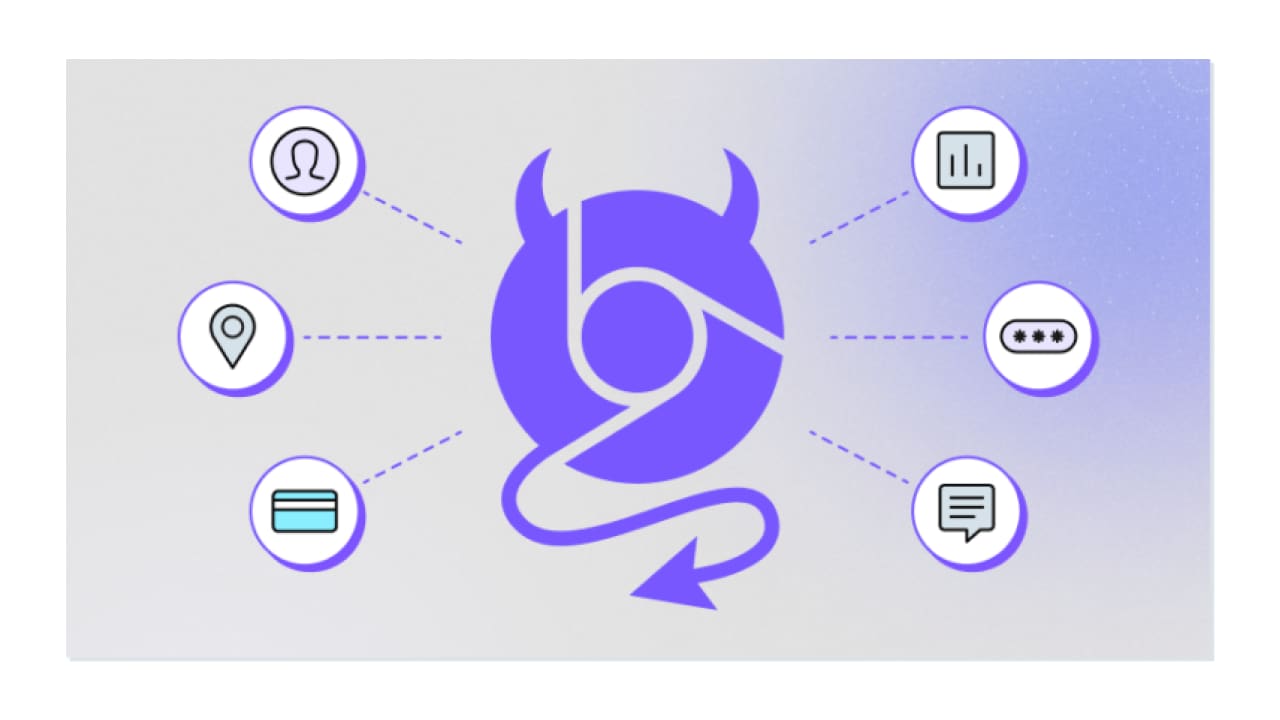
Malicious browser extensions are third-party software programs, delivered as browser extensions, that exploit vulnerabilities in web browsers for malicious purposes. These extensions are often disguised as legitimate or useful tools. Many times they even perform the actions they are advertised to do. However, they are used to compromise user security and privacy.
Malicious browser extensions often operate by leveraging the permissions granted by users during installation. Once they are installed by the users, attackers can collect information about the user’s online behavior and conduct their malicious activities.
Malicious browser extensions can be used for a number of malicious purposes and tactics. These include:
Malicious browser extensions are an appealing technique for attackers because they run whether or not the user opened them. This means attackers have the flexibility to perform their activities at any given time.
There are several types of malicious browser extensions that compromise browsing security and users should be aware of:
Malicious adware extensions are browser extensions that are designed to deliver unwanted ads to users. These ads can be displayed in a variety of ways, including pop-up ads, in-text ads, floating ads, video ads, and more. These ads might be collecting browsing data, installing malware on the device, or redirecting the user to a phishing website.
Malicious phishing extensions are browser extensions that are designed to trick users into entering their personal information into fake websites. Once they are installed, they redirect users to fake websites that look like real websites, such as banks or social media platforms. Once the user enters their personal information on the fake website, the malicious extension can steal it and send it to the attacker. The harvested information is then used for unauthorized access to user accounts, identity theft, or financial fraud.
Malicious malware extensions are browser extensions that are designed to install malware on users’ devices. Once they are installed, they download and install malware on the user’s computer without their knowledge. Another type may prompt users to download and install seemingly harmless files that actually contain malware.
Malicious data mining extensions are browser extensions that are designed to collect data about users’ browsing habits and sell it to third parties. Once installed, they can track information like visited websites, which search terms the user entered, and other personal information. This data can then be sold to third parties, who can use it for marketing purposes or to target users with malicious content.
Botnets are malicious extensions that are designed to control a network of infected devices, also known as a botnet. Once they are installed, they can be used to send spam, spread malware, or launch denial-of-service attacks.
Most Chrome extensions are legitimate, but it’s important to be on the lookout for those that are not. Here are a few malicious Chrome extensions you should avoid installing.
Autoskip for Youtube was advertised to automatically click on the “Skips Ads” button on YouTube. However, it was actually a malicious extension, containing malware and collecting browser data. It had 9 million weekly active users before it was removed from the Chrome Web Store.
With more than 7 million weekly active users, Soundboost was a popular extension for optimizing audio on devices. It was removed from the Chrome Web Store for containing malware, which was obfuscated in the extension’s code.
Ironically, the Crystal Ad block extension claimed to block ads and spyware. Perhaps it was blocking the competition? After gaining 6.8 million weekly active users, the extension was removed due to it being malicious and pushing unwanted ads.
This extension claimed to connect users to blocked sites by providing them with VPN access. It was used by 5.6 million weekly active users, but it was removed because it was malicious.
Have you ever hit ctrl+p or command+p only to find out you were pasting the wrong string? The Clipboard Helper claimed to solve this problem, by saving the clipboard history with texts copied from the browser. 3.5 million weekly active users found it helpful. Unfortunately, it was actually a malicious extension redirecting and hacking search results.
This extension consistently refreshed web pages at predetermined intervals, but it was also a malicious extension containing malware. After reaching 3.5 million weekly active users, it was removed from the Chrome Store.
Working with Chrome extensions can be a convenient way to enhance your browsing experience. However, it’s important to be cautious to protect yourself against potentially malicious extensions. Here are some best practices to follow:
Use a security solution to reduce the risk and blast radius of malicious browser extensions. LayerX is a browser security extension that can enforce policies on the organizational browser. With LayerX, organizations can enforce a policy with one click that prevents installation of unauthorized browser extensions, covering this attack surface entirely. In a similar manner, LayerX ensures that the browser is constantly patched with latest security updates.

© 2026 Akamai Technologies