


NVIDIA RTX PRO™ 6000 Blackwell Server Edition
COMPUTE
GPU plans
Akamai’s GPU portfolio offers a range of NVIDIA GPUs to allow customers to select the best GPU for their use case and available in both LKE and virtual machines.
See pricing for:
| Plan | $/Hr | RAM | GPUs | VRAM | vCPUs | Storage | Transfer | Network In/Out | |
|---|---|---|---|---|---|---|---|---|---|
| RTX PRO 6000 Blackwell x1 | $3.00 | 176 GB | 1 | 96 GB | 16 | 1024 GB | 0 TB | 40/16 Gbps | Request access |
| RTX PRO 6000 Blackwell x2 | $6.00 | 352 GB | 2 | 192 GB | 32 | 2048 GB | 0 TB | 40/16 Gbps | Request access |
| RTX PRO 6000 Blackwell x4 | $12.00 | 704 GB | 4 | 384 GB | 64 | 4096 GB | 0 TB | 40/16 Gbps | Request access |
| RTX PRO 6000 Blackwell x8 | $24.00 | 1408 GB | 8 | 768 GB | 128 | 6144 GB | 0 TB | 40/16 Gbps | Request access |
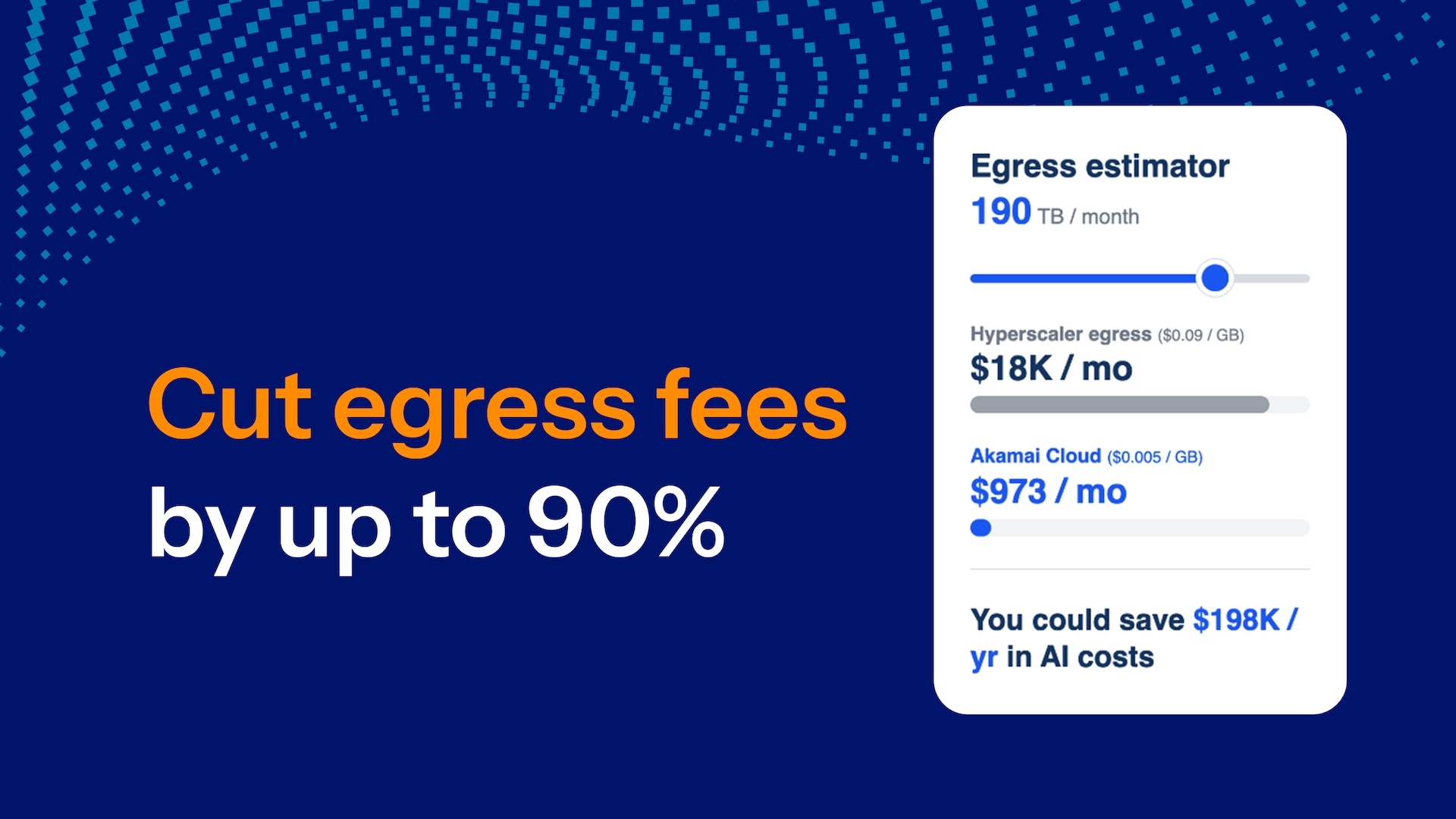
Egress overage costs = US$0.005 per GB
NVIDIA HGX B300
Talk to an Akamai expert for the latest pricing and availability.
NVIDIA RTX™ 4000 Ada Generation
| Plan | $/Hr | RAM | GPUs | CPUs | Storage | Transfer | Network In/Out | |
|---|---|---|---|---|---|---|---|---|
| RTX 4000 Ada GPU x1 Small | $0.52 | 16 GB | 1 | 4 | 500 GB | 0 TB | 40/16 Gbps | Sign up |
| RTX 4000 Ada GPU x1 Medium | $0.67 | 32 GB | 1 | 8 | 500 GB | 0 TB | 40/16 Gbps | Sign up |
| RTX 4000 Ada GPU x1 Large | $0.96 | 64 GB | 1 | 16 | 500 GB | 0 TB | 40/16 Gbps | Sign up |
| RTX 4000 Ada GPU x1 X-Large | $1.53 | 128 GB | 1 | 32 | 500 GB | 0 TB | 40/16 Gbps | Sign up |
| RTX 4000 Ada GPU x2 Small | $1.05 | 32 GB | 2 | 8 | 1 TB | 0 TB | 40/16 Gbps | Sign up |
| RTX 4000 Ada GPU x2 Medium | $1.34 | 64 GB | 2 | 16 | 1 TB | 0 TB | 40/16 Gbps | Sign up |
| RTX 4000 Ada GPU x2 Medium High Storage | $1.49 | 64 GB | 2 | 16 | 2 TB | 0 TB | 40/16 Gbps | Sign up |
| RTX 4000 Ada GPU x4 Small | $2.96 | 128 GB | 4 | 32 | 2 TB | 0 TB | 40/16 Gbps | Sign up |
| RTX 4000 Ada GPU x4 Medium | $3.57 | 196 GB | 4 | 48 | 2 TB | 0 TB | 40/16 Gbps | Sign up |
Egress overage costs = US$0.005 per GB
NVIDIA RTX 6000 Quadro
| Plan | $/Hr | RAM | GPUs | CPUs | Storage | Transfer | Network In/Out | ||
|---|---|---|---|---|---|---|---|---|---|
| Dedicated 32 GB + RTX 6000 Quadro GPU x1 | $1.50 | 32 GB | 1 | 8 | 640 GB | 16 TB | 40/10 Gbps | Sign up | |
| Dedicated 64 GB + RTX 6000 QuadroGPU x2 | $3.00 | 64 GB | 2 | 16 | 1280 GB | 20 TB | 40/10 Gbps | Sign up | |
| Dedicated 96 GB + RTX 6000 Quadro GPU x3 | $4.50 | 96 GB | 3 | 20 | 1920 GB | 20 TB | 40/10 Gbps | Sign up | |
| Dedicated 128 GB + RTX 6000 Quadro GPU x4 | $6.00 | 128 GB | 4 | 24 | 2560 GB | 20 TB | 40/10 Gbps | Sign up |
Egress overage costs = US$0.005 per GB
Frequently Asked Questions
Frequently Asked Questions
Yes, pricing for some GPUs is different depending on region.
For new customers, the best way to get started with a GPU is to reach out to our AI team here. A member of our team will be able to go through the account review and get you set up.
We accept Visa, Mastercard, American Express, and Discover. You can add credit to your account by transferring funds from a PayPal account. Maintaining a valid credit card on file with your account is a requirement of our Master Services Agreement. Read this guide on how billing works.
No, to provide the most transparent pricing, egress is not bundled with GPUs in most cases.
Yes, you can make payments that front-load your account with credit. When your account gets invoiced for services used, we apply the prepaid credit amount before charging the payment card on file with your account.
Yes. We maintain your saved data and reserve your ability to use other resources like RAM, transfer, etc., even when your VM is powered off. You will receive a bill for any other active service, such as Longview Pro or an extra IP. If you want to stop receiving a bill for a particular service, you need to remove it from your account entirely.
Some GPU models require contracts before they are provisioned for use. However, Akamai offers some GPUs at an hourly rate but availability depends on GPU type, region, and deployment size. Based on your scale, you can mix commitments and contract terms to your unique needs.
Get a personalized cloud cost analysis
Connect with our sales team to discuss your goals, customize your infrastructure, and build the right cloud solution with the features you need.