This section means that as we write our agents, we have different options for how to construct the interaction between two agents. You have the choice to set up:
- Asynchronous sessions: Send a request, get a response that includes a session ID. For a follow-up message in the same context, send the session ID. This is a default feature. All A2A servers are expected to implement it.
- Streamed sessions: Open a stream and send a series of messages back and forth. This technique uses HTTP SSE to keep a stream open and allow the server to initiate events. By setting the streaming capability to true, we can indicate that we support it.
- Push notifications: Send a request that includes a notification URL. When the agent is done processing the request, notify via the notification URL. This uses webhooks as a callback mechanism for an agent. We can indicate support for this in the agent card by setting the pushNotifications capability to true.
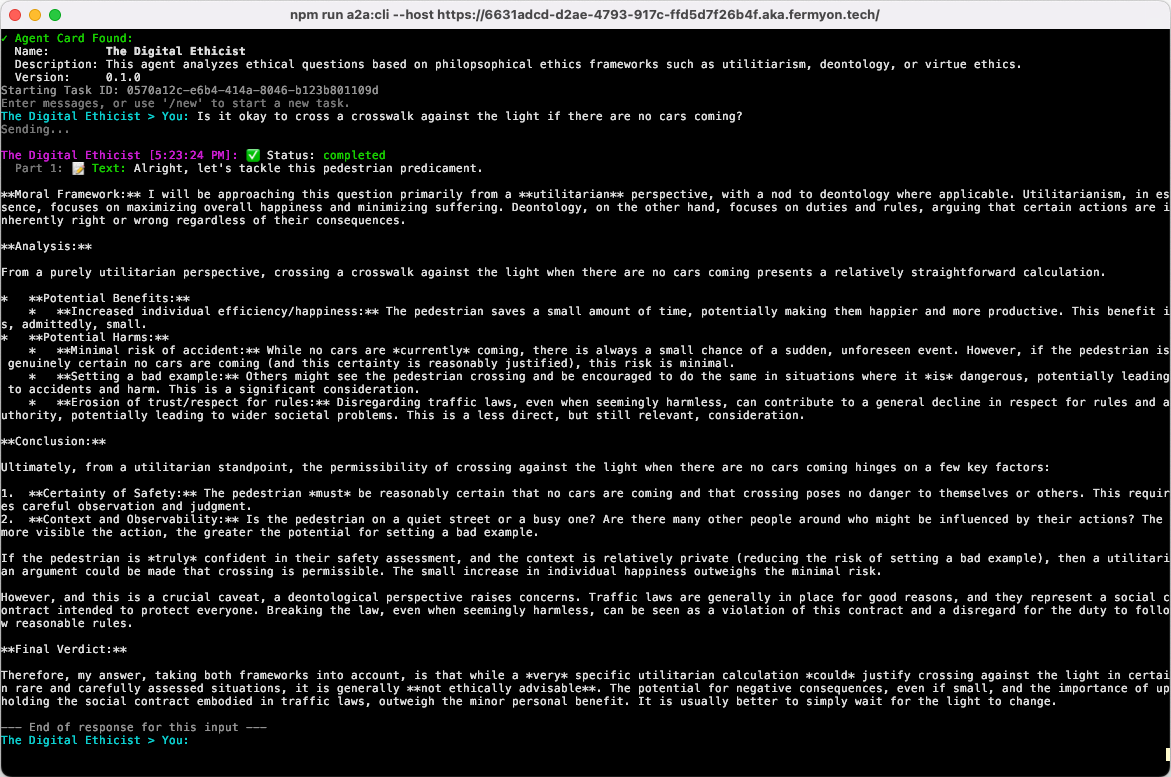
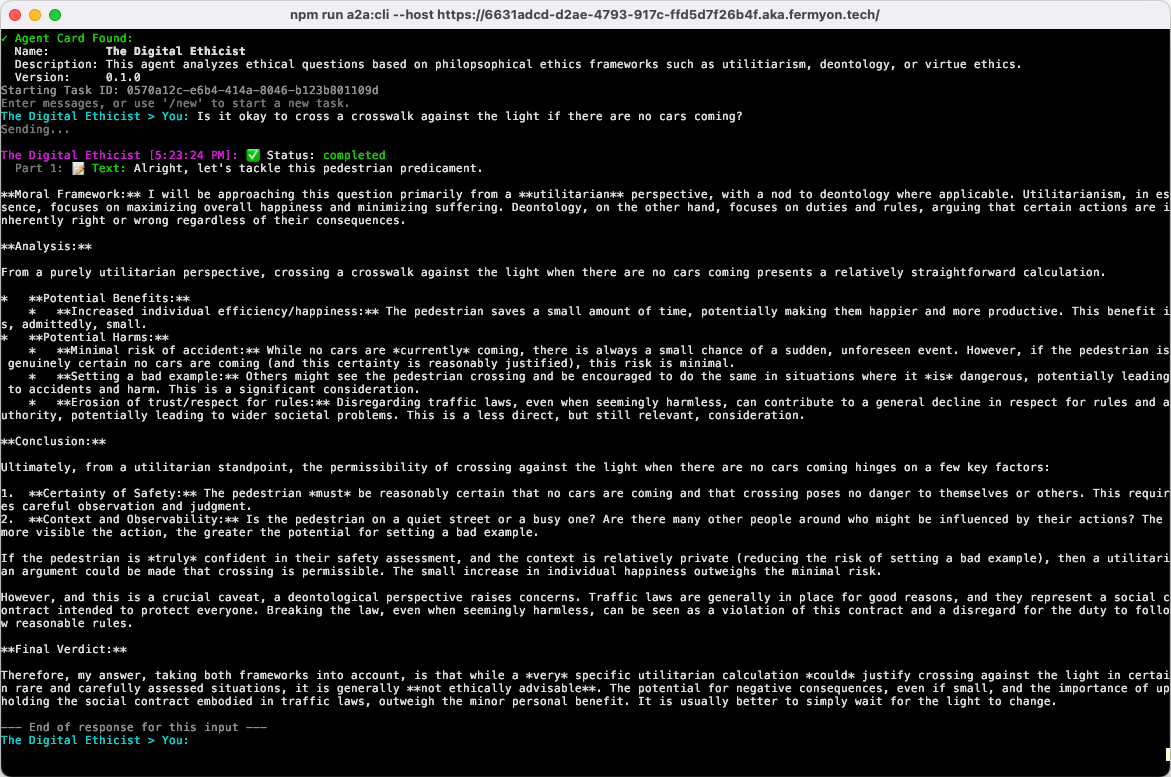
Note that the very simplest case, a one-shot question-and-answer, is just a simple use of asynchronous sessions. We’ll build one of those in the next section.
How do you choose which one to use in any given set of circumstances?
Streamed sessions use a long-running network connection to send multiple messages between the client and the server agent. In most cases, asynchronous sessions are better (and I’ll describe why in a moment). But one case where streamed sessions work very well is when the client side of the communication is not another agent, but is a human who is impatient and wants to see at least the beginning of results as soon as they are available.
Streamed sessions are less resource-efficient because they consume network bandwidth and compute resources on both the client and server, even when one or both sides are just waiting. SSE logic adds more complexity to application code, and often does no good if the client-side is another agent or tool. There is no reason to keep a network connection open and compute resources allocated while waiting for a client agent to run returned data through its own model, or even contact other agents.
A2A’s asynchronous mode is a better fit in most cases. In this mode, a request is sent to the agent, which sends back a response and then closes the connection. If the client agent then needs to make a follow-up request, it opens a new connection and sends a new request. By sending the session ID provided by the server agent in the last interaction, the client clearly indicates that this is the continuation of an existing session rather than a new session. This mode fits better with the agent-to-agent modeling we’d expect, where a client agent would receive a response, process it through its own logic, and possibly (perhaps seconds, minutes, or even hours later) issue a follow-up request.
This points to an emerging trend. As agent-to-agent interactions become more popular, we will stop looking at sessions as short-lived (as they are in the human-to-agent chat apps today). Instead, they will have durations more like email exchanges, which may last months or longer, but be intermittent. Building with an asynchronous mode just makes more sense.
But there is another option that works really well if the task at hand will take the server agent longer than a couple of minutes. And that’s the push notification method. For example, generating videos or large images may take a longer amount of time. And, again, if this agent-to-agent thing really takes off, it may take a long time for the server agent to find and talk to other agents that will help it complete its task. In these cases, supplying a callback webhook means the client- and server-side agents can disconnect (and free up network resources) while the server-side agents continue to work. Then the server-side agent can inform the client via webhook that the result is ready.
Now that we have a solid understanding of how A2A works, let’s take a look at an example.